Turn any document into an animated explainer video
Drop in a lesson, a how-to or a help article. Get a narrated video with animated scenes and captions — in your document's language.
Ask people why summer is warm and many will say: “Because Earth is closer to the Sun.” It sounds reasonable, but it’s wrong. Earth is closest to the Sun in early January.
Earth’s orbit is almost a circle: about 147 million km at its closest, 152 million km at its farthest. That’s only a 3% difference.
Earth’s axis is tilted about 23.4 degrees. As Earth travels around the Sun, the axis keeps pointing the same way…
Upload a doc, get a video
Upload a PDF, Word, Markdown or text file, paste text, or paste a link. Works best with text documents of 1–10 pages: lessons, articles, how-tos, help pages. Most videos are ready in about 5–15 minutes, and we email you when yours is done.
English · Español · Français · Português · Deutsch · Italiano · 中文 · 日本語 · 한국어 · العربية · हिन्दी · Bahasa Indonesia · Tiếng Việt · Русский · Türkçe
Check the settings above, then make the video.
Opening your PDF…
Tip: skip the cover, contents and introduction, and start where the part you want explained begins.
Transcript
Your script
Go through the scenes and reword anything that's wrong, then press Make the video. Each scene keeps its lines, because the animations are timed to them.
Videos that respect your viewer's time
Every video is planned from your document — no fixed template, no stock footage.
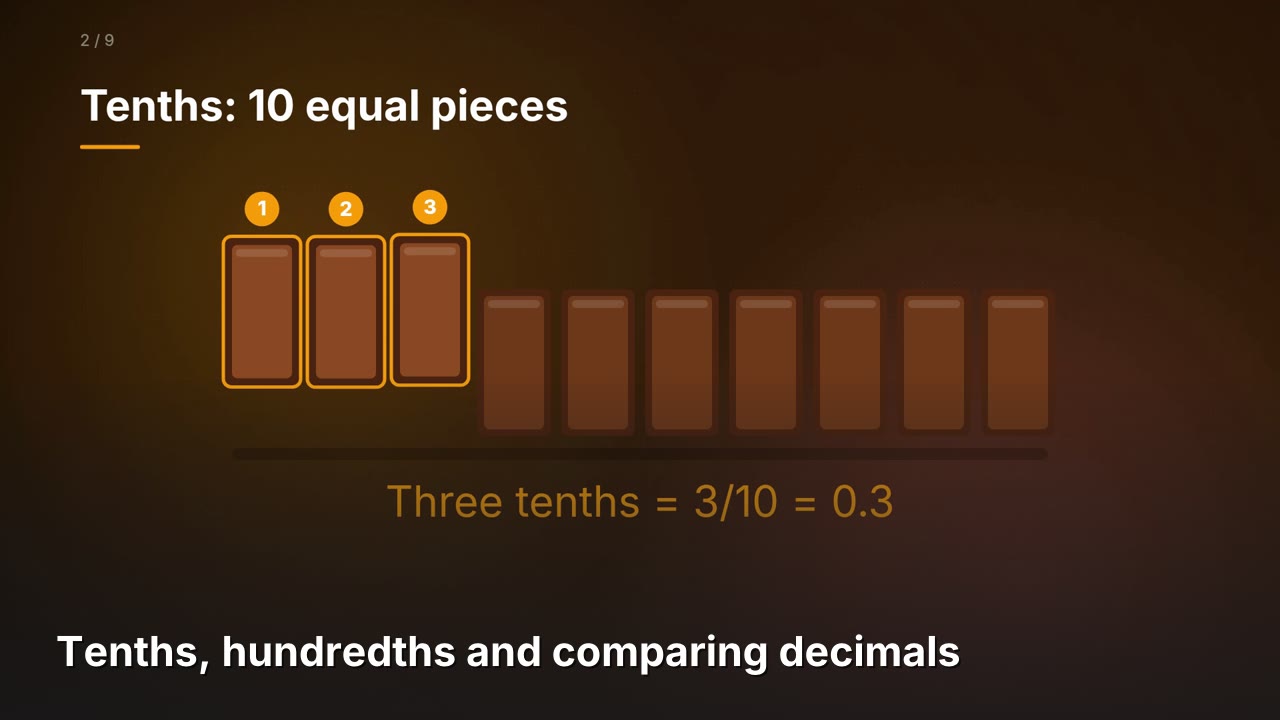
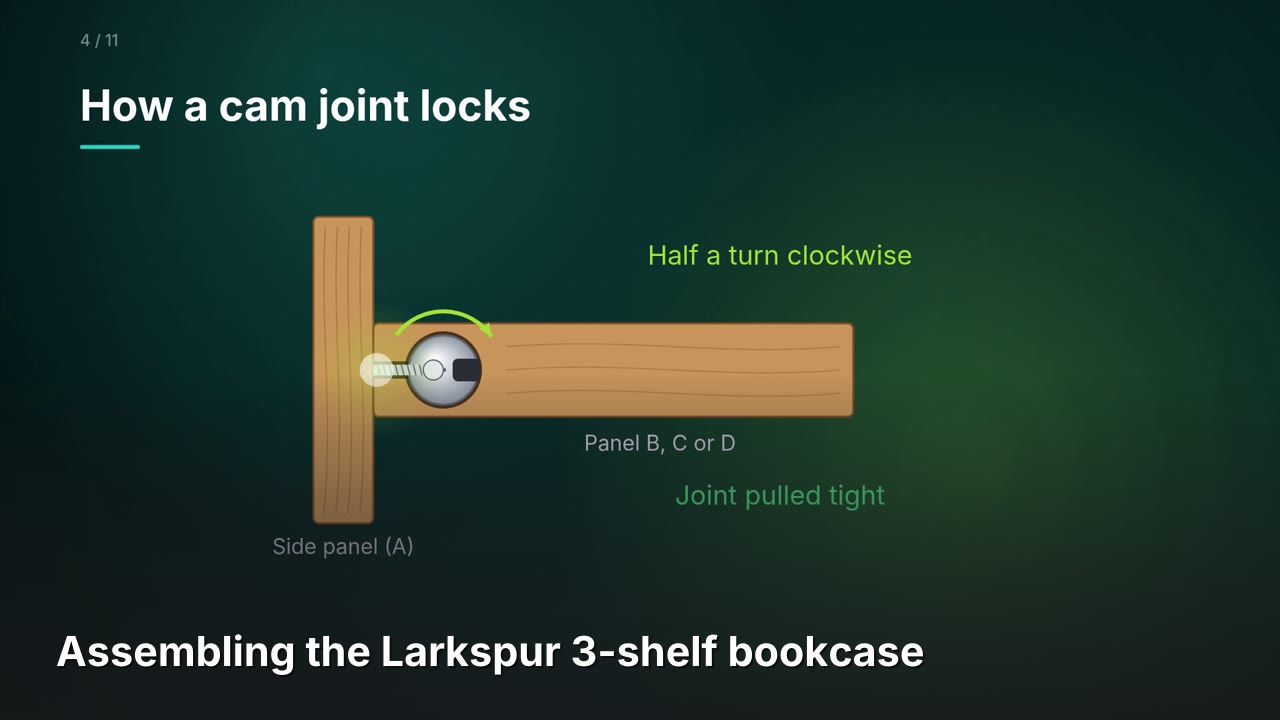
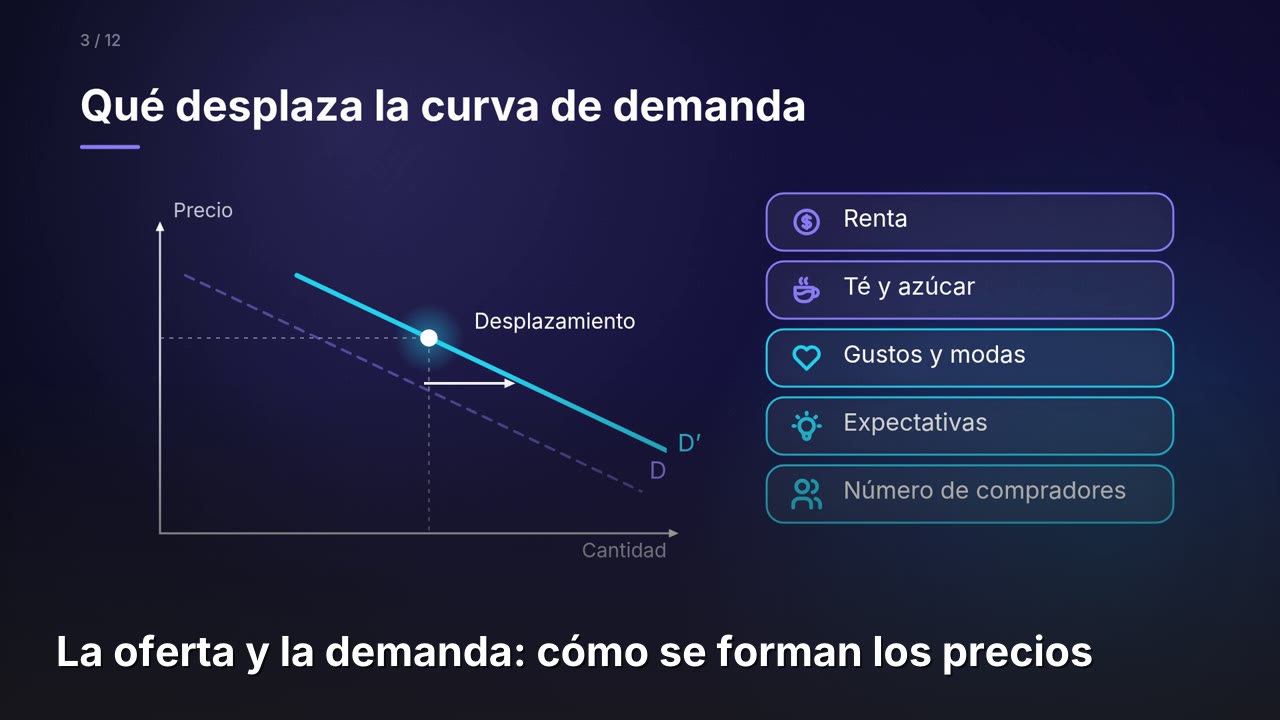
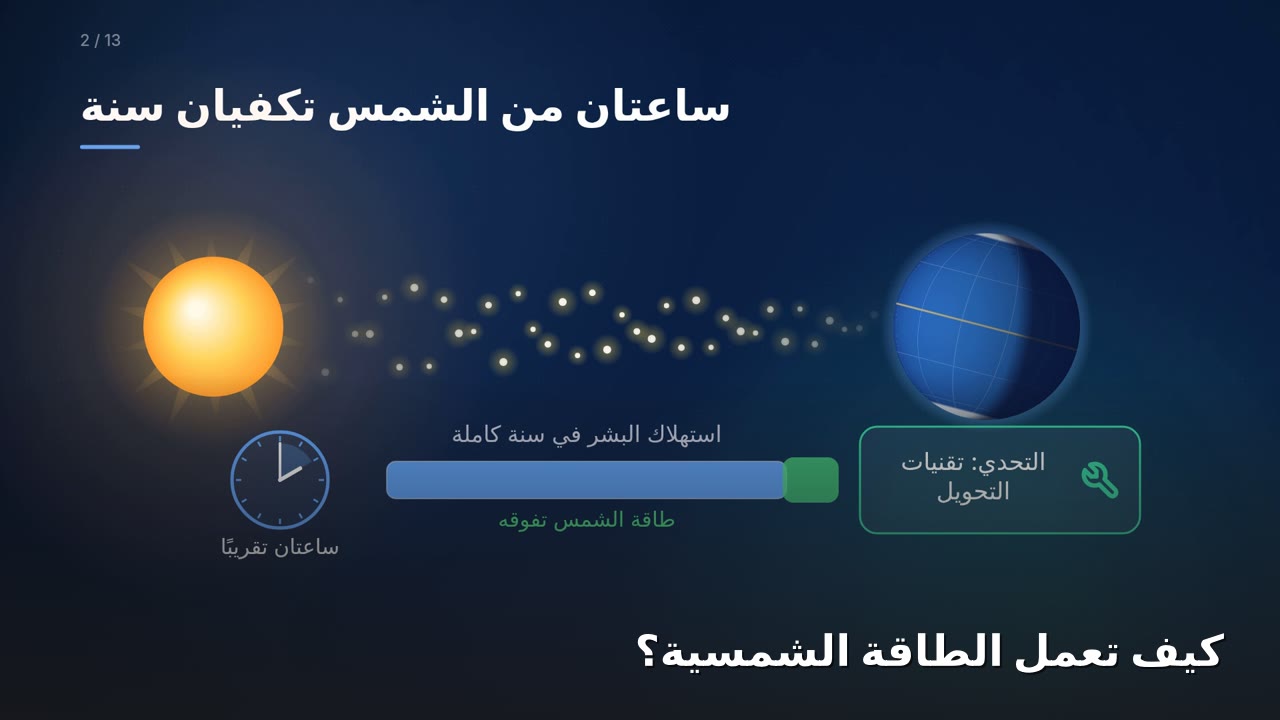
Four documents, four videos
Real DocReel output, not edited by hand, in the document's own language. Made on the Pro plan, which allows up to 5 custom-animated scenes per video (Plus gets 1); Free videos also carry a small docreel.app badge and end with a short DocReel card. More about these examples
One video, every language
We made this lesson once, in French, then used “Make it in another language” (Pro): the same scenes and animation, with the narration and every word on screen translated. Each version uses 1 video.
Simple pricing
Start free. Upgrade when you need more, and cancel any time.
Hover or tap an underlined feature to see what it means.
5 videos for $5 or 10 videos for $9, one time, no subscription. They never expire and are used after your 3 free videos.
Any Visa or Mastercard that works online, including prepaid and virtual cards.
Prices in US dollars; sales tax is added at checkout where it applies. Paid plans renew monthly, or yearly if you pick Yearly. Cancel any time and you keep your plan until the end of the period you paid for. Questions? Email us.
Questions
Is DocReel free?
Yes. The Free plan gives you 3 videos every 30 days, with no credit card. When you need more, Plus ($5 a month) and Pro ($15 a month) add more videos, longer documents and videos, our best narration voice and no badge. You can cancel any time.
Can I buy a few more videos without subscribing?
Yes. On the Free plan you can buy a one-time pack of 5 videos for $5 or 10 videos for $9 (plus tax where it applies). Pack videos never expire and are used after your 3 free videos for the 30 days. They're made like Free videos; for longer documents, our best voice and no badge, choose Plus or Pro.
What kind of documents work best?
Anything that explains something in text: lessons, how-to guides, help-center articles, onboarding docs, technical explainers. You can upload a PDF, Word (.docx), Markdown, HTML or plain-text file, paste text, or paste a link to a public web page, PDF or Google Doc. PDFs that are mostly pictures — assembly instructions, diagrams, scanned pages — work too: DocReel reads the pictures and describes each step. You can also pick photos of your notes, a textbook or a whiteboard (JPG or PNG, up to 5 at a time on Free): they become one video. Old .doc files and PowerPoint don't work yet; save those as .docx or PDF first.
How long can my document be?
DocReel works best with short documents: a video explains a few pages well. On Free a video covers up to about 10 pages (Plus about 20, Pro about 35), and for a longer PDF you choose which pages and runs up to about 3 minutes (Plus 5, Pro 7). For a long manual or report, upload the chapter or section you want explained. Files can be up to 5 MB on Free, 10 MB on Plus and 20 MB on Pro; pasted text up to 30,000 characters on Free (about 10 pages).
What doesn't work well?
Very long picture-only documents, like whole assembly manuals or scanned books. DocReel reads pages that are mostly pictures (slides, diagrams, scans) with AI, up to 10 per video on Free, 20 on Plus and 35 on Pro; for longer ones, upload just the pages you need or paste the steps as text. Spreadsheets, forms and long reports also make poor videos. And you can have one video in the making at a time on Free.
Can DocReel add photos or realistic people?
It uses the pictures already in your document (photos, artwork, diagrams) and shows them in the scenes that talk about them. It can't create new photos, realistic people or animals, video footage or music. The rest of each video is animated diagrams, icons and captions.
Can I use a Google Doc or a web page?
Yes — choose Paste a link. For Google Docs, Slides and Drive files, set Share → General access to “Anyone with the link” first. Pages behind a sign-in (Notion workspaces, intranets, paywalls) can't be read; open them, copy the text and use Paste text instead. DocReel downloads the page once to make your video, and nothing on the page is run.
The video isn't quite right. Can I fix it?
Yes. On your video's page, choose Make a new version and tell us what should change — "scene 3 was confusing", "simpler words", "make it shorter". DocReel remakes the video from the same document with your feedback. A new version counts as one of your videos; on Plus and Pro, the first new version of each video is free. Documents are kept for 30 days, so you can do this within a month of uploading.
Can I make a video for my class?
Yes. Before you upload, pick who it's Made for — Kindergarten to Grade 2, Grades 3–5, Grades 6–9, high school or adults — and DocReel adjusts the words, sentence length and examples to suit. You can also add Instructions — like "focus on section 2" or "explain it as a story". Pick a Length too: short (about a minute), medium or long. For school ages you can also tick End with a quick quiz: the video closes with 2–3 questions, a few seconds to think, then the answers. Your choices are remembered for next time. More ideas on the DocReel for teachers page.
Which languages are supported?
The narration and on-screen text follow the language of your document — the gallery above includes videos made from Spanish and Arabic lessons. On Pro you can also pick a different video language (15 to choose from), and the script is written in that language.
How long does it take?
Usually about 5–15 minutes, sometimes longer for a long document. You can close the page — we email you a link when your video is ready.
What happens to my documents and videos?
Uploaded documents are deleted after 30 days. Videos are kept for 30 days on Free, and for as long as your plan is active on Plus and Pro. If a plan ends, its videos stay for 30 more days, so there's time to download them. To write the script, your document's text is sent to Anthropic's Claude; the narration text is sent to Google's Gemini to generate the voice (with our own server or OpenAI as a backup). See the privacy policy.
Can I edit a video?
On Pro you can check and edit the script before the video is made: reword any line, then press Make the video. After that, Make a new version remakes the video with your feedback. A full editor for scenes, voices and timing isn't available yet; email us if you'd like early access.
Ready to make your docs watchable?
Drop in a PDF or Word file, paste text, or paste a link. We'll email you when your video is ready.
Try DocReel free